I’ve been using Linux periodically during last twenty years. If I recall correctly, my first encounter was using one of those thick old books that came with Red Hat or Debian installation CD’s. Lot of text which I mostly skipped as I was in a hurry to try something different.
During the thick book era I also learned an important lesson: backup is not really a backup if it is located on a same drive as original. After wiping my hard drive completely and losing all my previous work (including multiple stories which were surely destined to become masterpieces) I developed some complex emotions for Linux.
I’m pretty sure I did not even make it to desktop that time.
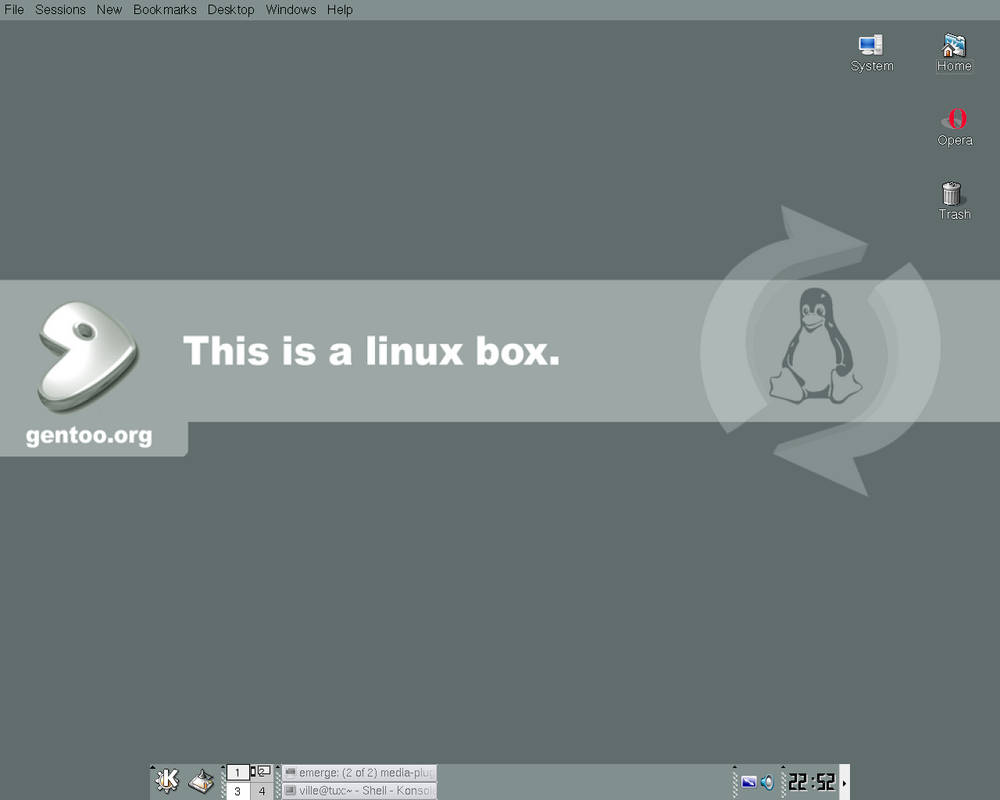
Let’s skip a few years. 2005 I successfully installed Gentoo somehow. I have proof: screenshot of my desktop I proudly uploaded to Deviantart with pimped out KDE and Gentoo background. During this time I remember also installing Debian successfully and struggling to get networking to work; going to nearest library where there was a working internet, reading guides, taking notes and going back to my computer to try things out.
It was different time back then.
One thing was certain for sure. I would stay far away from Vim. I would always use Nano when editing config files.
I don’t remember which distro it was, but to my horror after installation and trying to modify settings in command line, Nano was nowhere to be found. I had no networking and could not install anything yet. I was forced to use Vim.
”Now this is messed up,” I thought. ”How would anyone voluntarily use something like this?” I’m not sure if I ever got out of Vim, or if I just installed different distro.
I have been on and off with Linux since then. I’m not sure why I leave from time to time. It must have been gaming, or not being sure if I have support for all of the bells and whistles I have with my computer, and not wanting to mess anything up. Usually it is my secondary computer which has been running Linux. Even my father-in-law has been using Linux more: I installed Linux Mint for him in 2017 and Ubuntu 20.04 LTS later. Has not been complaining about that yet.
I have been using Linux mostly as a toy, never for serious work, which is just stupid.
I have also been trying to reignite writing as a hobby. Best part of any hobby is finding best tools for the job.
This is a list of text editors and dedicated tools for writers I have tried:
- Scrivener
- Ulysses for Mac
- Bibisco
- Manuskript
- vscode
- Atom
- Wavemaker
- Typora
- Ghostwriter
- novelWriter
- Sublime Text
- Zettlr
My list of nice-to-haves are basically:
- no vendor lock-in, must be able to switch from app to another without needing to import anything
- light, fast to start using
- easy to transport everything to new OS installation
- extendable and hackable
- free in every way
- distraction free writing environment, no need to use mouse for anything
- ability to create story bible within app
My list has been evolving during last few years. I started with Scrivener, as it is THE app every publishing or aspiring writer is raving about. Scrivener is great, huge monolith that handles every facet of writing from research through multiple drafts and iterations to creating basically printable version of your book.
I’m not sure I need all of that. 90% of stuff I do in writing app is just writing and Scrivener’s writing environment didn’t feel so good. Also there was some lock-in. Scrivener stores text in .rtf format but uses its own folder structure.
Bibisco, Manuscript, Wavemaker and novelWriter are Scrivener alternatives that are targeting same audience and trying to offer same kind of all-encompassing experience.
Then there are markdown editors such as Typora, Ghostwriter, Zettlr and Sublime text. I’m not sure how using markdown would benefit me when trying to write a novel, but I liked the simplicity when writing with these apps.
VSCode and Atom were both great as well for just writing. They are extendable and hackable, and there were many plugins for writers as well. Git is extremely easy to integrate to VSCode and Atom, which would be good for story revisions.
This is basically my last few years: writing sporadically and trying stuff out. I also read about these crazy people that were using Vim and Emacs as their writing environments. I watched few Youtube presentations out of anthropological curiosity. I admired these people that took something impossible and wrestled it to become their slave for the job.
I treated myself with new old Thinkpad X270 few weeks ago. After trying several Linux distros and ending up on rock-solid Debian 12, I figured out it was finally time to learn either Vim or emacs, as there were not enough hardships in my life at that time. After going back and forth between the two, I ended up with Vim. I wanted something light, something that would not make my fingers hurt, something simple. Also my colleague at work told me to definitely try Vim first.
So there I am, after completing excellent Vim tutorial for the third time in my life. I installed Neovim’s appimage (Debian has some seriously old versions of Neovim in repos).
This is my list of plugins currently installed:
Plug ’vimwiki/vimwiki’
Plug ’junegunn/fzf’, { ’do’: { -> fzf#install() } }
Plug ’junegunn/fzf.vim’
Plug ’vim-airline/vim-airline’
Plug ’nvim-tree/nvim-tree.lua’
Plug ’preservim/vim-pencil’
Plug ’junegunn/goyo.vim’
Plug ’junegunn/limelight.vim’
Plug ’neanias/everforest-nvim’, { ’branch’: ’main’ }
Plug ’rebelot/kanagawa.nvim’
Plug ’sainnhe/gruvbox-material’
Plug ’catppuccin/nvim’, { ’as’: ’catppuccin’ }
Plug ’mhinz/vim-startify’
First plugin, vimwiki, feels like a lifesaver. I seriously recommend everyone to try it out. It is simple to use and I feel it can be used for almost anything, from making todos, planning stuff out, creating personal wiki of your imagination, to keeping a diary about writer’s failures as a human being and our last days as civilized society.
Rest of the plugins are nice-to-haves. I have not used them much yet. Fzf is ”fyzzy finder”. I don’t know what that means, but I read it can be useful. nvim-tree shows tree view of your folders. Goyo, limelight and vim-pencil are designed for writers. Basically writing modes (goyo and vim-pencil) and focus mode (limelight). Airline is better status bar. Rest are just color themes.
Now I just need to write. This article was written using Neovim and I enjoyed writing every letter. Simplicity is just astonishing.
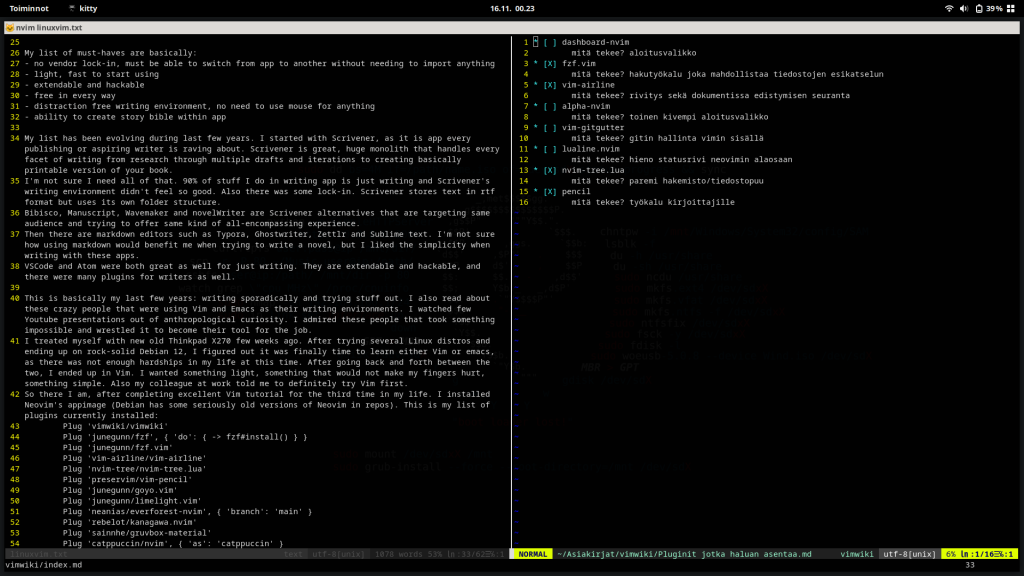
So is freedom, knowing you can easily transport this writing environment everywhere, and it is almost as usable just after installing Neovim, without any of those plugins.
I feel like I have just pierced a surface. As a writing tool Vim is excellent, but I know it can be much more.
Just need to be careful and not go too deep into the rabbit hole.